
Split tunneling: VPN apps let users bypass encryption
ProtonVPN and NordVPN now allow Windows users to exclude specific programs from the encrypted tunnel, improving speed for gaming and local services.
By Emmanuel Obasi ·
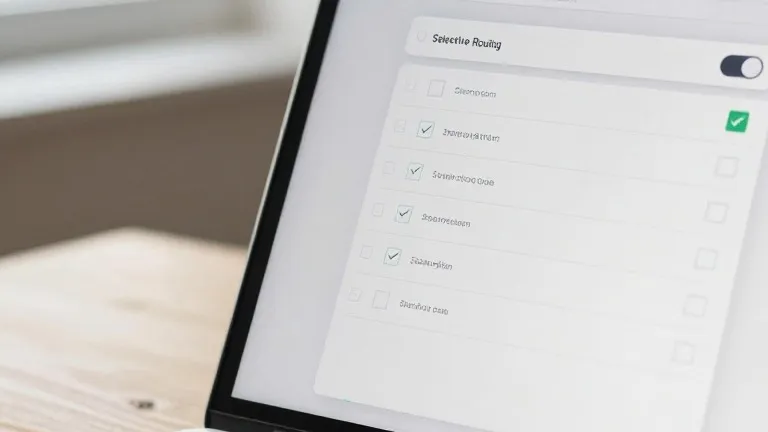
Users of ProtonVPN and NordVPN on Windows can now exclude specific applications from the encrypted tunnel.
This feature, known as split tunneling, has existed in many VPN clients for years but is now more prominent in paid desktop tiers. It allows individuals to route traffic from certain apps directly to the internet while keeping others protected.
The primary benefit is performance. Encrypted connections can slow down data transfer, a trade-off that matters for online gaming and video streaming. By moving games outside the VPN, players can reduce latency. The feature also helps with location accuracy. Since VPNs mask a user's physical location, excluding a local movie ticketing app ensures showtimes reflect the user's actual neighborhood rather than a distant server's location.
Split tunneling also simplifies home networking. Encrypted bridges can sometimes block communication between devices on the same Wi-Fi network, such as smart home gadgets and printers. Excluding these devices from the tunnel allows them to communicate freely without the user toggling the main VPN switch on and off.
The implementation differs by provider. In ProtonVPN for Windows, a split tunneling link appears on the right side of the main console, next to options for kill switches and port forwarding. Once enabled, users select apps to include or exclude. In NordVPN, users click the cog icon in the bottom left of the interface, navigate to the split tunneling section, and flip the toggle to select which apps receive protection.
Mobile devices support similar processes, though with limitations. Android and desktop platforms offer granular app control. On iPhones, users are typically restricted to excluding specific websites and IP addresses rather than individual applications. While some services offer URL-based or IP-based routing rules, app-based selection remains the standard for consumer use.
Setup is a one-time configuration task. Users can revisit the settings at any time to adjust which apps are covered, but the feature does not require ongoing management. This allows VPN protection to remain active for sensitive tasks while staying out of the way for routine browsing.
Source: Wired